How to Design a Comfortable Home Office for Better Productivity
With remote work becoming a long-term reality, having a well-designed home office is essential. Your work-from-home setup directly affects your productivity, comfort, and overall health.
An ergonomic and thoughtfully arranged workspace not only improves efficiency but also helps prevent physical strain and fatigue.
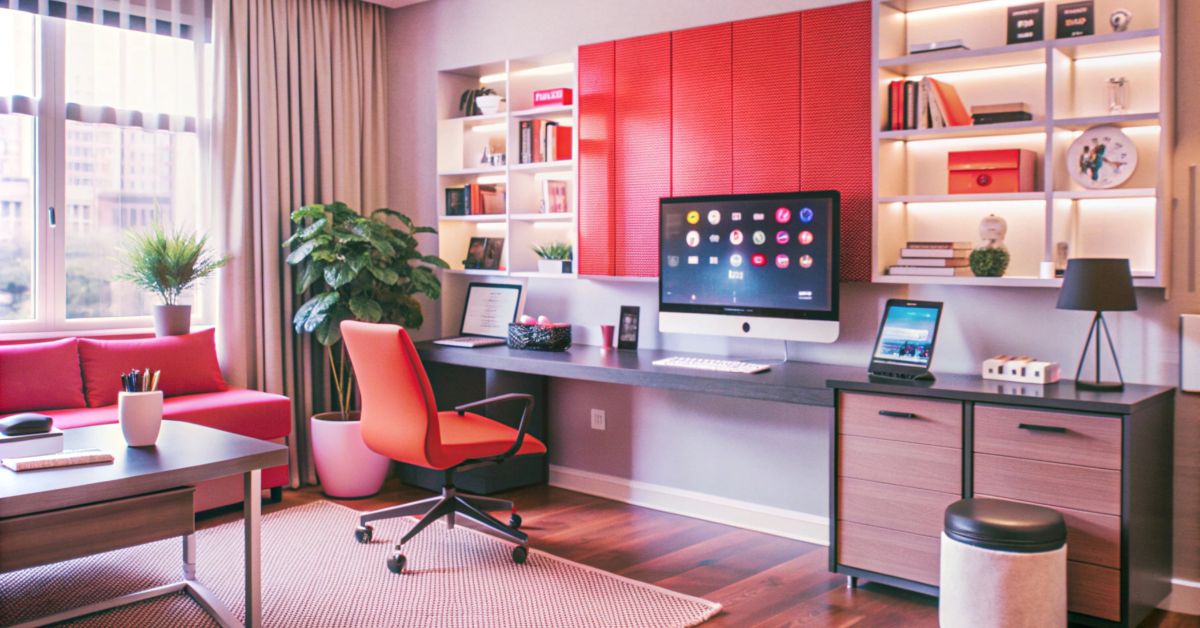
Choosing the Right Chair and Desk
Your chair and desk form the foundation of your home office setup. Selecting the right ones can significantly improve comfort during long working hours.
What to look for:
- A chair with adjustable height and proper back support
- A desk at a height that allows your elbows to rest at a 90-degree angle
- Enough space to position your screen at eye level
A good chair and desk combination supports proper posture and reduces unnecessary strain on your body.
Importance of Posture While Working
Maintaining correct posture is critical when working from home. Poor posture can lead to back pain, neck stiffness, and reduced productivity.
Healthy posture tips:
- Keep your back straight and supported
- Place your feet flat on the floor
- Avoid slouching or leaning forward
- Keep your shoulders relaxed
Consistent posture awareness can prevent long-term health issues.
Ergonomic Accessories for Home Offices
Adding ergonomic accessories can enhance your workspace and provide extra support where needed.
One simple yet highly effective tool is a backrest cushion, which helps maintain the natural curve of your spine and reduces lower back strain during long sitting hours.
Other useful accessories include:
- Footrests for better leg positioning
- Monitor stands to maintain eye-level viewing
- Ergonomic keyboards and mouse
- Wrist supports to reduce strain
These additions create a more comfortable and supportive work environment.
Creating a Healthier Work Environment
Beyond furniture and accessories, your overall environment plays a key role in your well-being and productivity.
Simple ways to improve your workspace:
- Ensure proper lighting to reduce eye strain
- Keep your workspace clean and clutter-free
- Maintain good ventilation
- Take regular breaks to move and stretch
- Incorporate small movements or exercises during the day
A healthy work environment supports both physical comfort and mental focus.
FAQs
What ergonomic accessories are useful for home offices?
Useful accessories include backrest cushions, footrests, monitor stands, ergonomic keyboards, and wrist supports.
How can poor workstation setup affect your health?
A poor setup can lead to back pain, neck strain, wrist discomfort, and long-term posture-related issues.
What are simple ways to create a healthier work environment at home?
Ensure proper lighting, maintain cleanliness, take regular breaks, and keep your workspace ergonomically arranged.
How should your monitor and keyboard be positioned for better posture?
Your monitor should be at eye level, and your keyboard should be positioned so your elbows remain at a 90-degree angle while typing.
What are the benefits of an ergonomic home office setup?
An ergonomic setup improves posture, reduces physical strain, enhances comfort, and increases overall productivity.