AI Model Router: Choosing From 200 Models Without Code Changes
An ai router sits between your application and every model provider — it reads each incoming request and sends it to the model best suited to answer it, from a pool your team defines. When you’re weighing which models belong in that pool, a flagship like GPT-5.6 Sol is one of the candidates side by side; this guide covers what a router is, how routing decisions get made, and how to pick models when your catalog runs past 200.
The problem is easy to state and hard to ignore. By mid-2026 there are more than 200 widely used models across OpenAI, Anthropic, Google, Meta, Mistral, xAI, DeepSeek, Qwen, GLM, MiniMax and beyond — overlapping in strengths, wildly spread in price, reshuffled by new releases every week. Hard-code a single model ID and you’ve bet quality, latency and budget on one provider’s snapshot, losing every time the leaderboard moves. A router is the standard answer, in two parts: the pool and the decision layer.
What an AI model router actually is
An AI model router is a layer that owns the “which model” decision. Your application sends one request to one endpoint; the router holds a pool and decides which member answers. The application never changes — same request format in, same response format out — which is the promise of choosing from 200 models without code changes.
Three properties make it a router rather than just a proxy:
• It holds a pool, not a pointer. Your app names the router, never a provider; the router knows which models exist and which are healthy.
• It decides per request. Every prompt can go to a different model, because every prompt has different needs — a one-line extraction and a long agent run are not the same job.
• It has an escape hatch. When a model is down, slow or returning garbage, the router has somewhere else to go — the difference between a degraded request and a failed one.
Two features stand out: every request is logged and auditable (per-request observability), and access can be scoped by budget and role — a governance point instead of just plumbing.
The pool problem: 200+ models, overlapping strengths, one price spread
The scale is the problem. Production models span at least 200 names across the major labs, and very few occupy a clean slot: flagships overlap with each other, compact models overlap with older flagships, and a “small” model from one lab beats a “large” model from another on specific benchmarks.
The practical consequences for a team that picks one model and stops:
• Quality is uneven. No single model leads every category. Hard-coding one means you are weak wherever the leaderboard is strong.
• Price spreads are enormous. List prices for a million output tokens vary by more than an order of magnitude; with high-volume traffic, “good enough” and “cheapest good enough” are different budgets.
• The board moves monthly. A new release can leapfrog the model you just integrated. With a hard-coded integration, adoption means an SDK bump, migration, re-test and deploy. With a router, it means editing a config.
This is the “pool problem”: the model fleet is too big, too overlapping and too volatile for any application to hard-code its way through.
How routing picks: grade, match, route, fallback
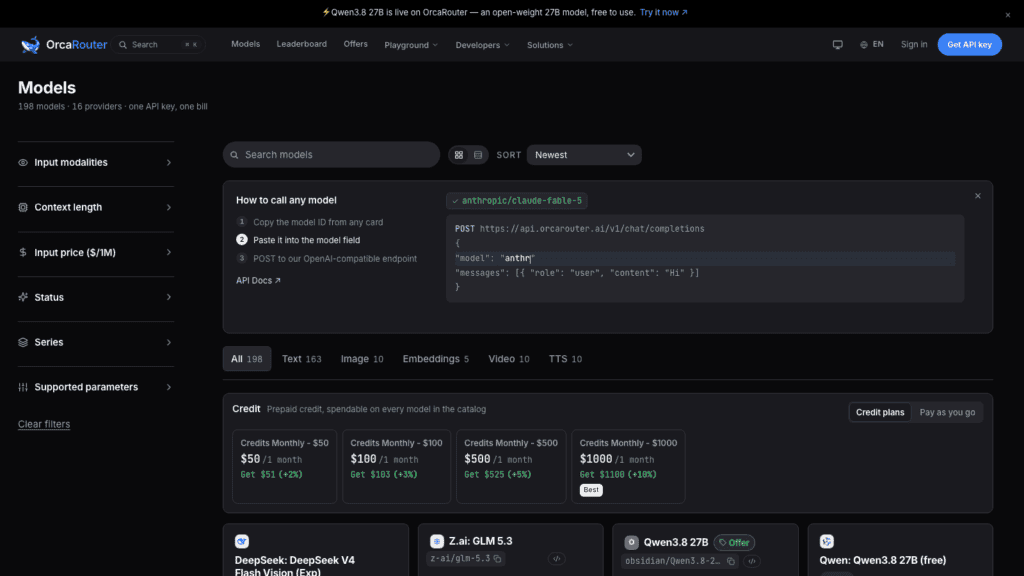
The interesting part is the decision itself. Any router — the good ones included — works in four steps.
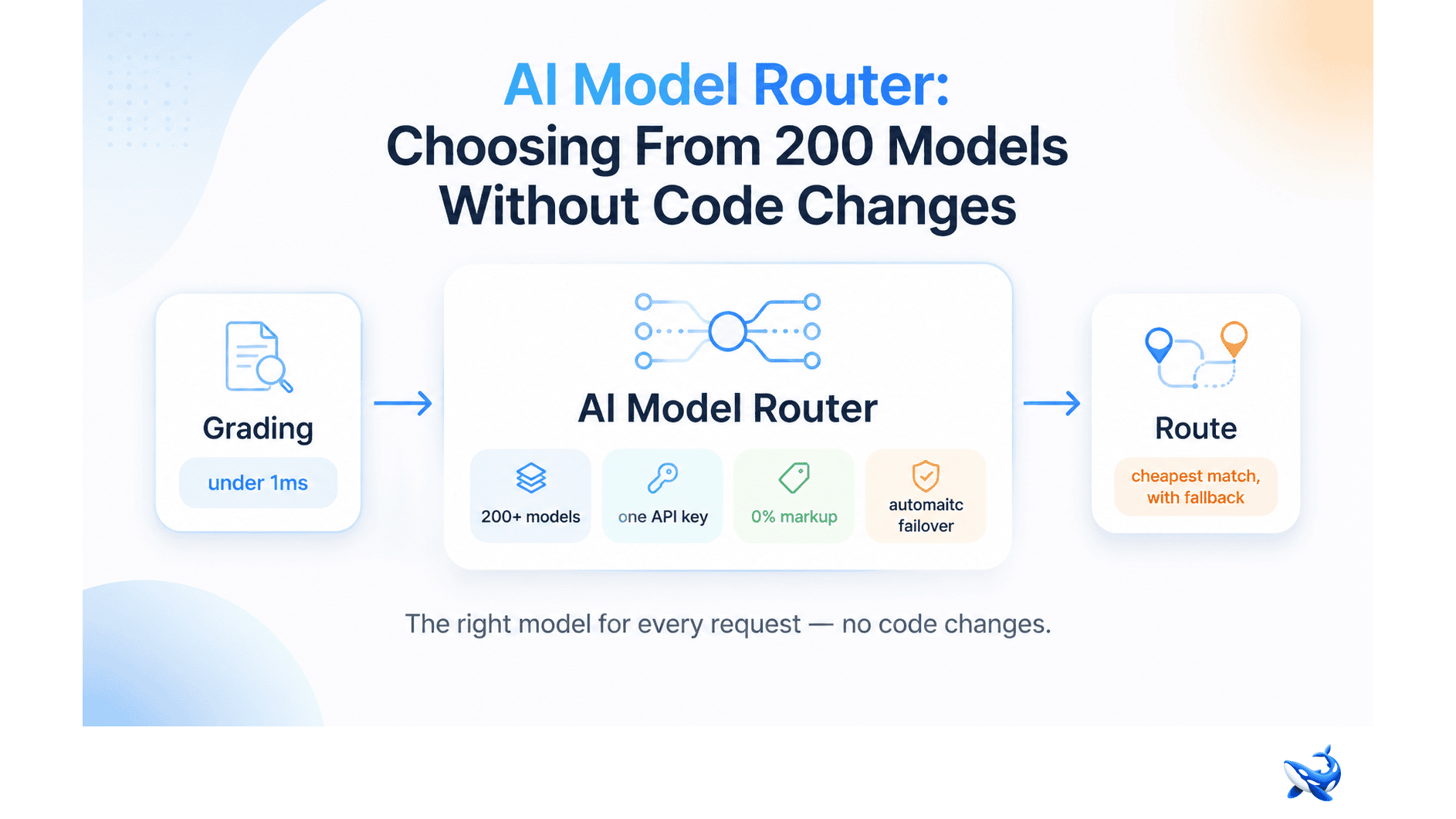
1. Grade the request. Before sending anything, the router scores the prompt: how hard is it, what kind of task? In OrcaRouter’s adaptive routing the grading completes in under a millisecond — the detail that separates adaptive routing from a round-robin load balancer.
2. Match to a model. The router takes your policy — quality bar, latency budget, cost ceiling — and finds the cheapest model that satisfies it. The default bias is to spend as little as possible while meeting your standard, not to grab the most expensive flagship.
3. Route the request. The matched model gets the prompt; the response flows back through the same endpoint. Your application has no idea which member answered — and doesn’t need to.
4. Fall back. Providers go down, rate limits trip, latency spikes, models return malformed output. The router retries on the next candidate — automatic failover keeps a provider incident from becoming your outage.
Because grading happens per prompt, the router can also do prefix- and session-aware routing: requests sharing a system prompt or conversation are steered consistently, which helps caching and multi-turn agents. None of this logic lives in your code — that’s the point.
The operational wins: A/B without code changes, retirements, and lock-in
The routing mechanics matter less than what they unlock. Once the decision layer exists, three operations that used to be projects become config edits.
A/B new models without code changes. Want to know whether a new model beats your default on real traffic? Add it to the pool, route a slice to it, and compare the request logs. No SDK change, no deploy, no second integration — the router is your experiment harness, and observability gives you the receipts to decide.
Retire models gracefully. Every provider eventually deprecates a model or ships a successor. With a router you can drain it slowly — keep it for requests that depend on it, shift the rest to the successor, cut it only when traffic drops to zero. Retirement stops being a forced migration.
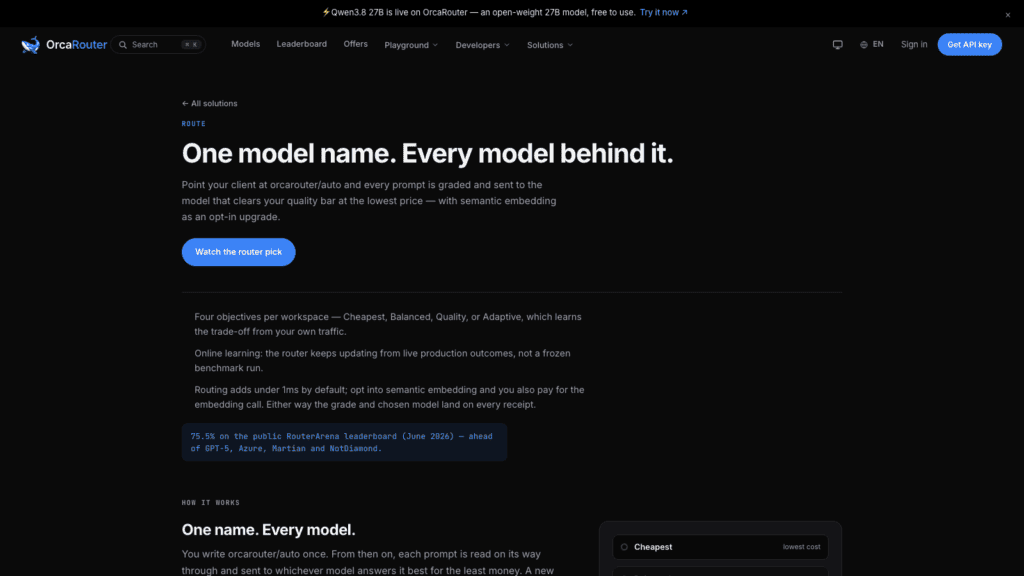
Escape lock-in. The biggest line nobody quantifies is the single integration to a single provider: if pricing changes or quality slips, you can’t just walk — your app is married to one endpoint. A router breaks the marriage: one API key reaches the whole pool, so switching providers is a policy change, not a rewrite. OrcaRouter’s version is unusually clean on money: it passes every provider’s list price through at 0% markup with per-request receipts, so the router never becomes hidden margin on your inference spend.
A working guide to model selection
Routing gives you the machinery; you still have to decide what belongs in the pool. A useful mental model has three axes.
Quality tiers. Classify by what a request demands. The top tier — frontier reasoning models — earns its price on gnarly code, long-horizon agent work and analysis where a wrong answer is expensive. The middle tier handles everyday generation at far lower cost; the workhorse tier takes high-volume, error-tolerant traffic. Most teams need all three, and routing makes it affordable: expensive requests get the expensive model, the rest don’t.
Latency classes. Chat needs to feel instant; batch jobs can wait. Separate your pool by response-time expectations so a user-facing request never waits on a model tuned for deep reasoning — if a model’s first token is slow, it belongs in the batch lane.
Cost tiers. Set a ceiling per request type. The grading step is built for exactly this: refuse flagship money on a request that only needs a compact model, and spend it without complaint when the request truly requires it.
| Tier | Typical models | Use for | Watch out for |
| Frontier | Flagship reasoning models | Complex code, agents, expensive-to-get-wrong analysis | Slow first tokens, high per-token price |
| Mid | Fast general models | Most everyday generation, summarization, extraction | Quality gaps on hard tasks |
| Workhorse | Compact, high-throughput models | High volume, latency-sensitive, cheap | Weak reasoning on long chains |
Three selection habits hold up regardless of which router you run: test on your own workload before trusting a leaderboard; route by policy rather than popularity; keep the pool small enough that every member has a defined job. A 200-model catalog is a library, not a default — you still curate the shelf.
The takeaway
An AI model router is the standard answer to a 200-model market: it grades each request and sends it to the cheapest model in your pool that meets your bar, with failover when a provider stumbles. That turns A/B testing new models, retiring old ones, and escaping lock-in into config changes. It fits teams that ship AI at volume, care about latency and cost, or have felt a hard-coded integration go stale.
It’s the wrong tool if you have one model and no plan to move; a router’s value scales with the size and volatility of the choices you face. If you’re on the fence, the cheapest experiment is a router that carries no margin — OrcaRouter gives you one API key for 200-plus models at 0% markup with automatic failover and per-request logs, so the trial costs exactly what the models cost. Let the leaderboard move; your application doesn’t have to.
Sourcing note: product capabilities — 200+ models under one API key, under-1ms grading, adaptive routing, 0% markup, automatic failover, per-request observability, prefix- and session-aware routing — are OrcaRouter’s own published claims (product pages checked August 22, 2026). The 200+ model figure and multi-vendor catalog reflect its model catalog as of the same date. No independent benchmark figures are cited.
READ ALSO: The Role of Paid Advertising in Real Estate Marketing Success